

Support
Help for Your AAGO SOLO Interactive Flat Panel
Get installation guidance, troubleshooting steps, and warranty assistance for 55–110 inch interactive displays used in classrooms and meeting rooms.
Get started
Installation and Setup Resources
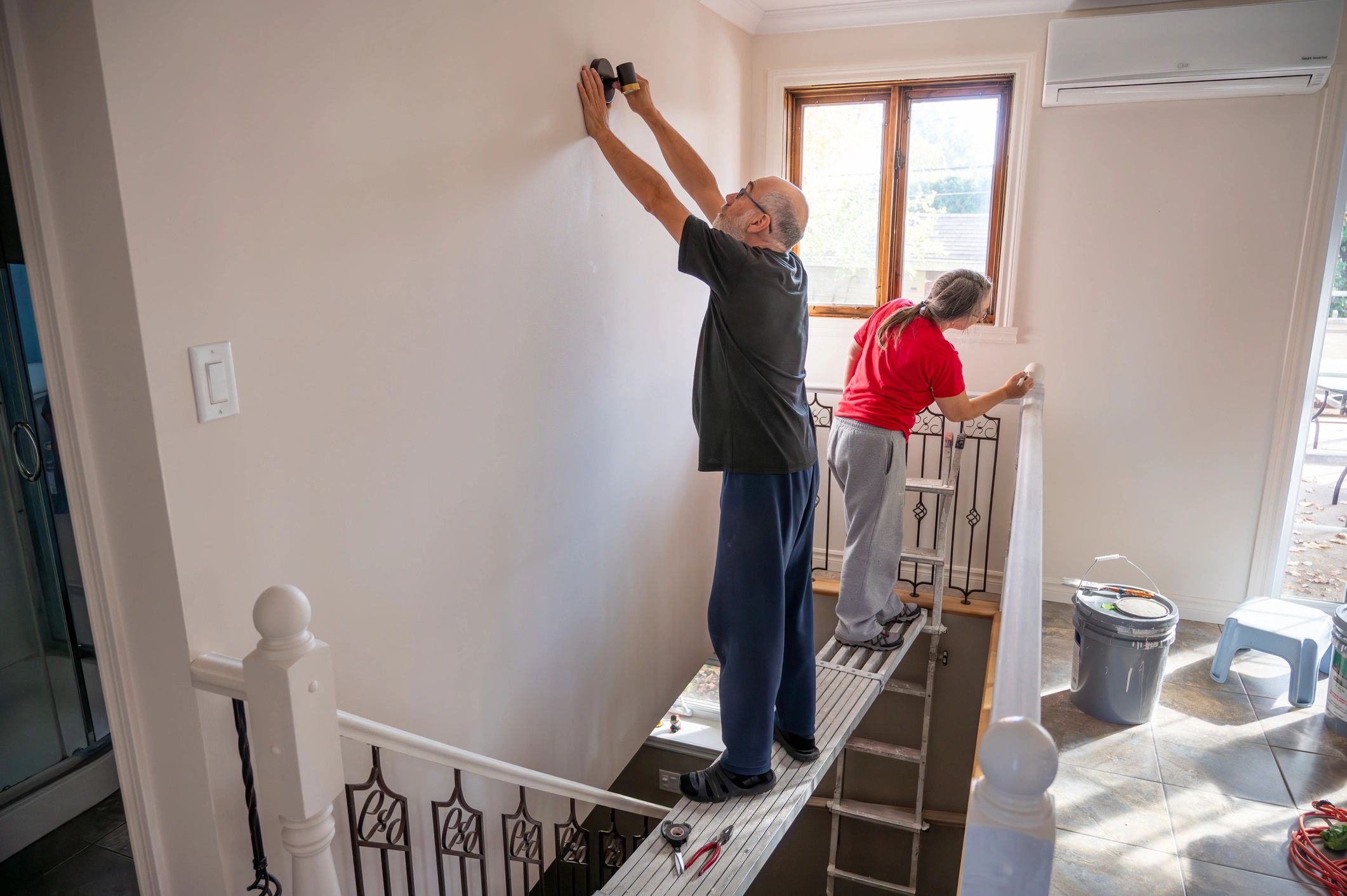
Mounting and placement
Recommended mounting height, VESA guidance, and room placement considerations for clear sightlines and safe use.

Network and device connectivity
Connect to Wi‑Fi/LAN, pair Bluetooth peripherals, and configure inputs for laptops, OPS, and conferencing systems.

Software and collaboration tools
Set up whiteboarding, casting, and the built‑in screen recorder for lessons, training, and meetings.
Common issues
Troubleshooting and Service
Touch and pen accuracy
Calibrate touch, check input source, and confirm driver settings for connected devices.
Display and audio
Resolve no-signal, resolution, and sound issues by verifying cables, ports, and panel settings.

Accessories and replacements
Identify compatible mounts, pens, and peripherals, and request replacement parts when needed.

Remote assistance
For IT teams and integrators, we can help validate configurations and isolate issues quickly.
Support FAQs
Quick answers for schools, corporate IT teams, and AV integrators.
What information should I include in a support request?
Please include the panel size/model, serial number (if available), a description of the issue, and photos or short videos when relevant.
Do you provide installation guidance for mounts and stands?
Yes. We can advise on VESA compatibility, placement, and best practices for safe installation in classrooms and meeting rooms.
How do I resolve “No Signal” or input issues?
Confirm the correct input is selected, reseat cables, test a different port/cable, and verify the source device output resolution.
Can I connect Bluetooth devices to the panel?
Yes. Pair keyboards, mice, and audio devices via Bluetooth for a cleaner setup and flexible room configurations.
Does the panel include a built-in screen recorder?
Yes. You can record lessons, demos, and presentations directly on the panel for easy sharing.
How do warranty and service work?
Warranty terms vary by configuration and region. Submit a request and we will confirm coverage and next steps for service.

Need help now?
Submit a Support Request or Request a Quote
Tell us about your SOLO interactive flat panel setup and we will respond with the right next steps for troubleshooting, parts, or service.